Open test · now live

After The Ages

Old battle sites have begun behaving as though history is happening again.

The science-fantasy MMOFPS Endless Ages, continued. Aim and shoot, while your skills, stats and gear decide how good you are.

Download for Windows Free · 49 MB launcher, which then installs the game

A world that survived

The peoples of IIA lived through the great crises of the Endless Ages era. The Shadowflesh invasion was repelled, cities were retaken, and Cain was defeated and imprisoned. The world never became safe, but it became livable again.

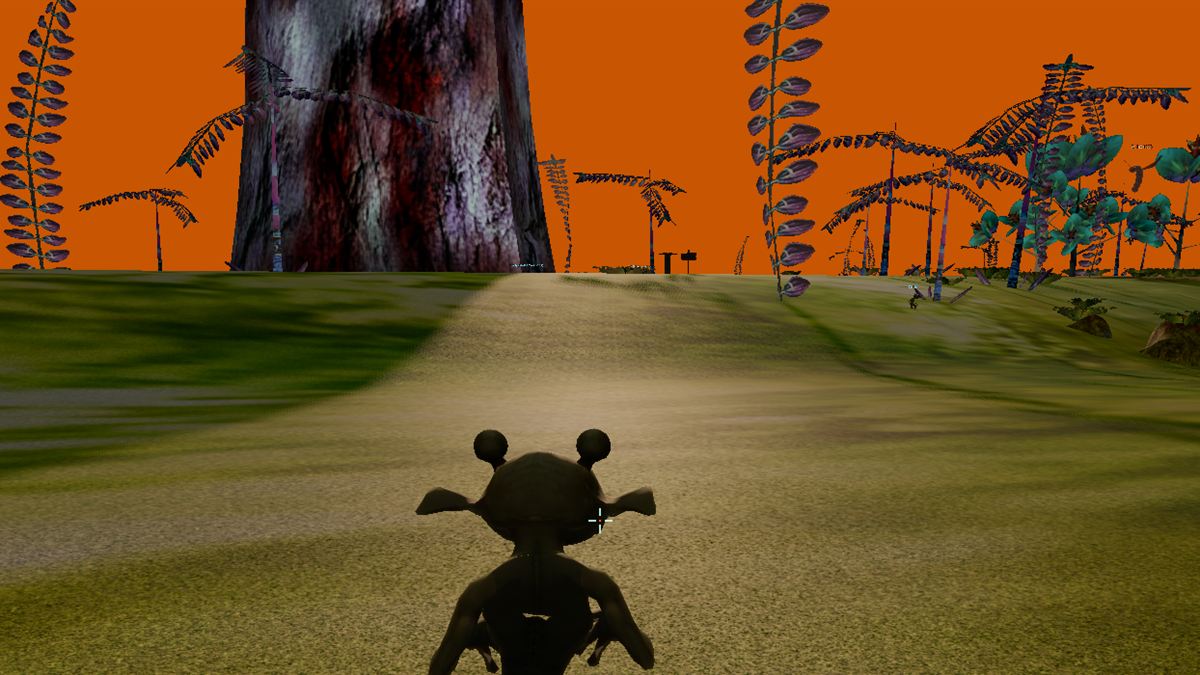
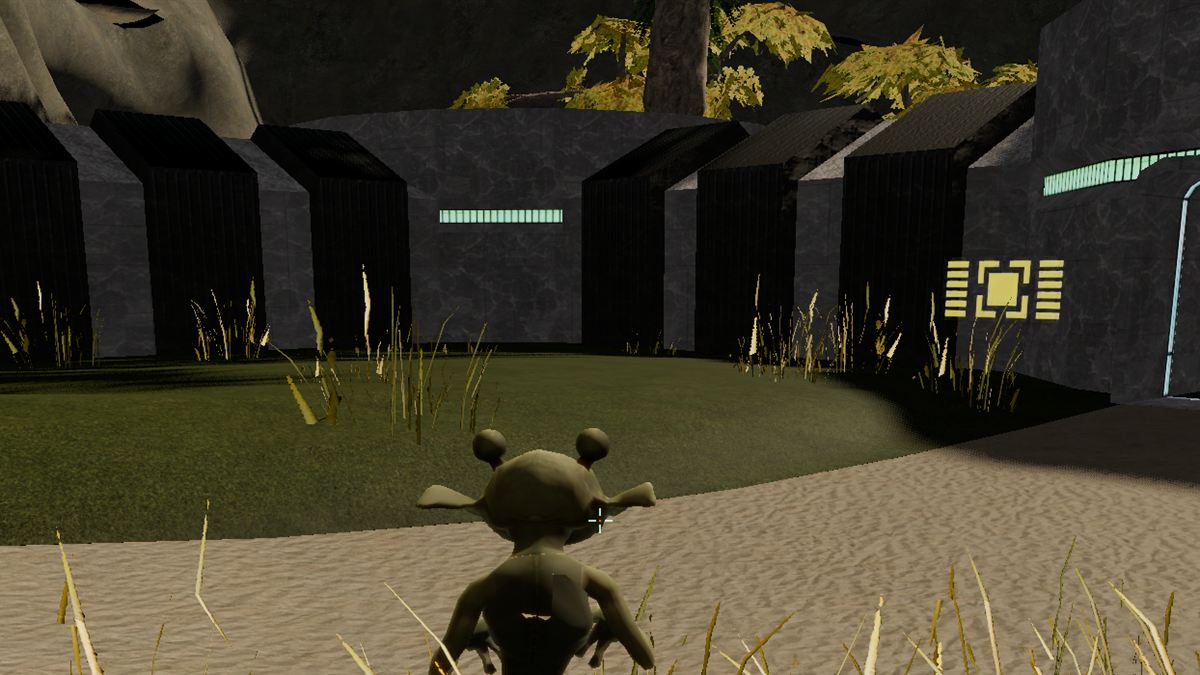
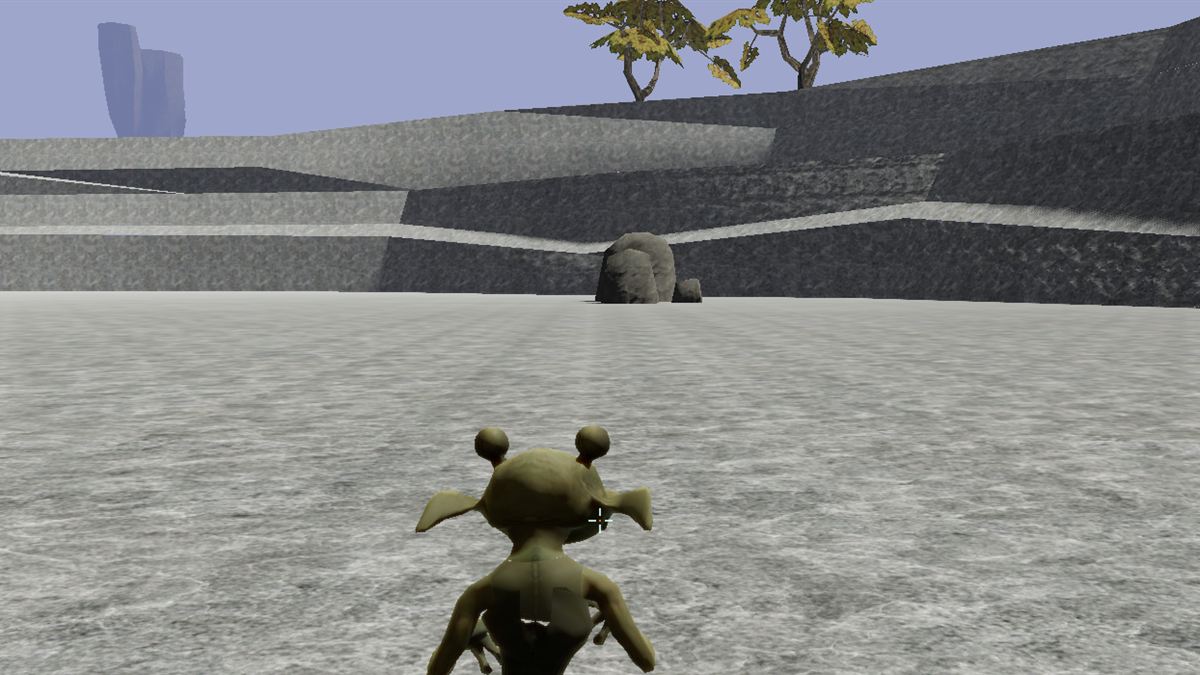
After The Ages is a continuation, not a reboot. The original zones, creatures, quests and characters are all here, rebuilt on a modern engine with remastered art, and the story picks up where the live game left off.

  • Aim and shoot. Every shot is real and every hit is decided by the server. There is no tab-targeting.
  • Grow your character. Skills, stats and gear change how well you fight, craft and survive.
  • One shared world. Explore, trade, form squads and clans, and fight together or against each other.

Coming in Book One

The old wounds are opening

The new crisis is not another invasion. It is a pattern of rift scars, unstable wounds in the boundary between ordinary reality and the Spirit World. At first they leave residue, strange readings and malformed manifestations. Then they begin producing echoes: brief reconstructions of things that once existed.

Someone is deliberately stimulating those wounds.

You are not a prophesied hero. You become important because you keep surviving the incidents that put you at the centre of the Riftwatch's investigations.

Play the open test

  1. 1

    Download the launcher

    AfterTheAgesLauncher.exe is a single file. Put it in its own folder, since it installs the game beside itself.

  2. 2

    Run it

    It downloads the game, about 3 GB, the first time. After that it fetches only what changed in each update.

    Windows may say it protected your PC, because the launcher is not code-signed yet. Choose More info, then Run anyway.

  3. 3

    Make an account and play

    Press Play, create an account on the login screen, and make your character.

You will need

  • Windows 10 or 11, 64-bit
  • A graphics card with Vulkan support
  • About 6 GB of free disk space
  • A mouse and keyboard

It is a test

The game is still being built, so things will break and change. Tell us what you find.